The requested task was to open up the Alienware computer units and find what drive configuration is in the unit. To complete this task the tools used was just a simple Phillips head screw driver to unscrew the basic screws. This task only required one size of screwdriver as the screws were the same size. The WHS that was used is that we ensured that there was no power in the unit by holding the power button until the fans stop moving which means there is no remaining power. After this we unlatched the side of the computer case and proceeded to see if the SATA drive was there properly which it was and then we checked if the SSD was attached to the motherboard aswell which it was.
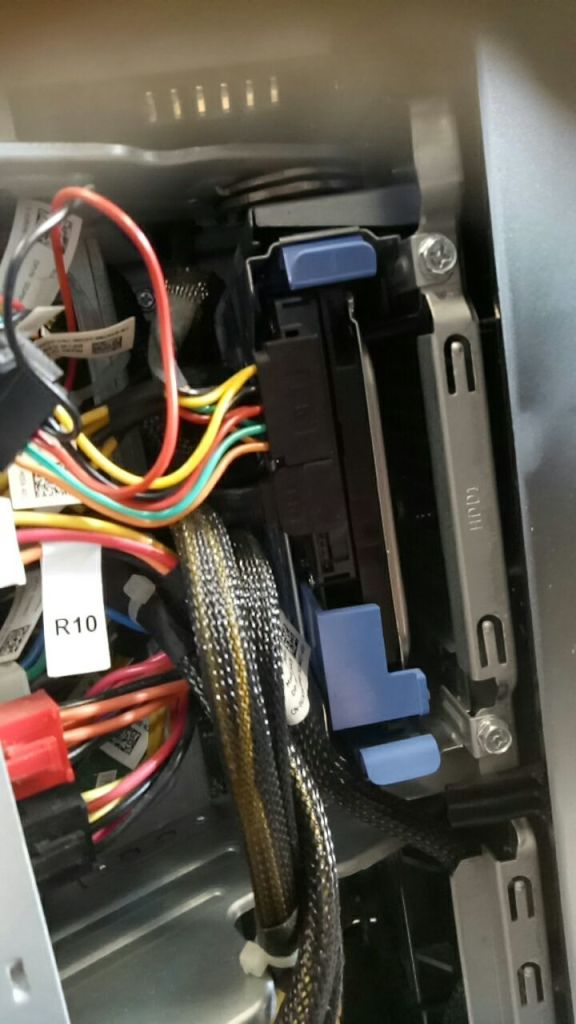
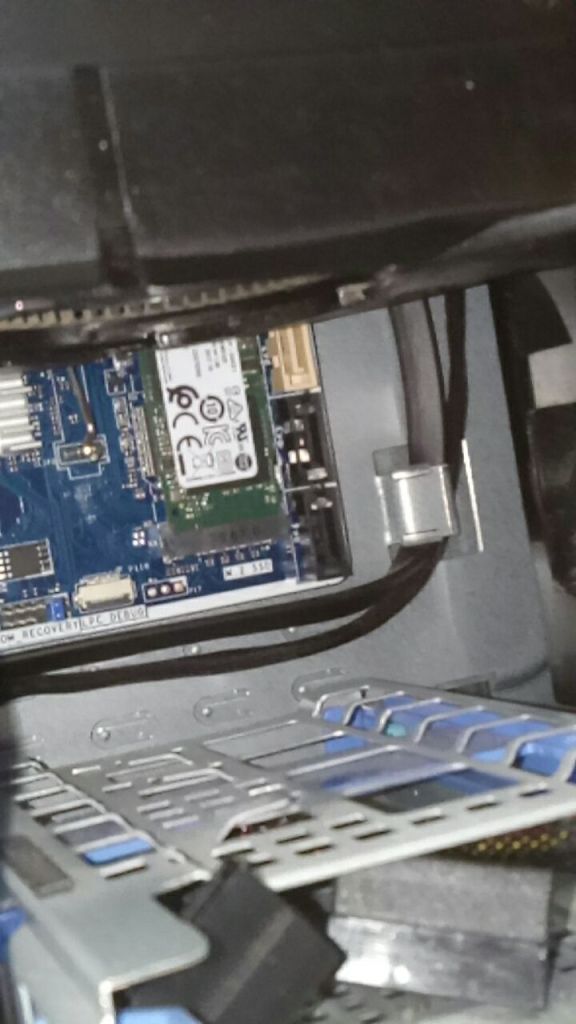
To ensure quality we organised parts so that we did not lose the parts while taking it apart, then while plugging it back in we organised the cables and then powered it on to test if it still worked which it did.
 Terrell Masters