To open the game that was made you must first make a new 3D unity project and give it a name that you wish.
After creating the Unity project you use the drop down asset menu and select import custom package. After this you find the unity project file and import it.
Once done you open the scene that has been made for the game.
To get familiar with the code I am changing small aspects and seeing the changes that it has.
To start i changed the starting task from the one the developer was working on to the first task that the player is meant to complete.
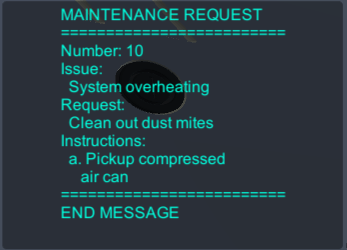
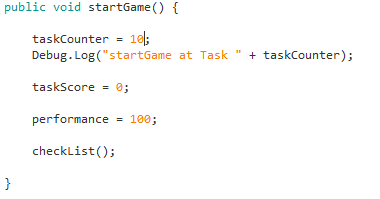
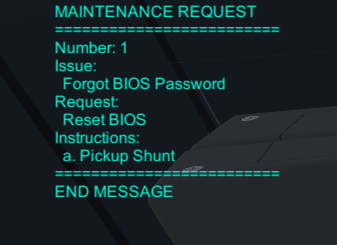
This small edit allows for some familiarity with the project. With this in mind i can find bugs in the game and suggest ways to fix them.
One of such errors is when the player jumps on top of the ram and leads to the player getting stuck and being rendered hopeless and immobile.
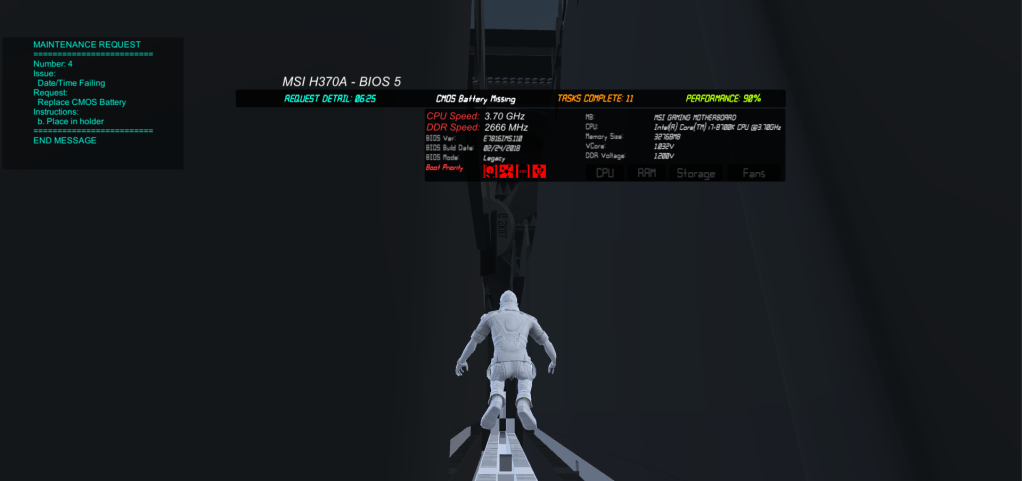
One way to fix this would be to add a collider to the ram mesh and thus not allowing the player to be inside the ram resolving the issue.
This project does not have any service level agreements as it is not a completed game.
The quality assurance practices were that the developer gave it to us to use our experience with video games to find bugs and ways to improve the game.
some work health and safety procedures to put in place is to have regular breaks and not to play for extended periods of time.
 Terrell Masters